WINDOWS · MACOS · ANDROID · IOS
From your phone to your PC. And back.
Move photos, videos and files between your devices with AnyXFS. No account needed. Original quality kept. Your files, right where you need them.
Windows, Mac, iOS and Android are available · Get the Android app from our unified download link

 My phone✓Your files. In your hands.Android
A little less effort, every day.
- Shot on your phone. Sorted on your PC. Send your weekend photos and new videos as original files, with all the details intact.
- On your computer. Ready to go. Pick the documents you need before heading out and send them to the phone in your pocket.
- Bigger files. Less starting over. Send a whole folder. If a transfer is interrupted, resume it without sending everything again.
Two devices. Three simple steps.
- Open AnyXFS on both. Connect your computer and phone to the same local network and keep the app open.
- Choose a device and your files. Find the other device nearby, then select photos, videos or a folder to send.
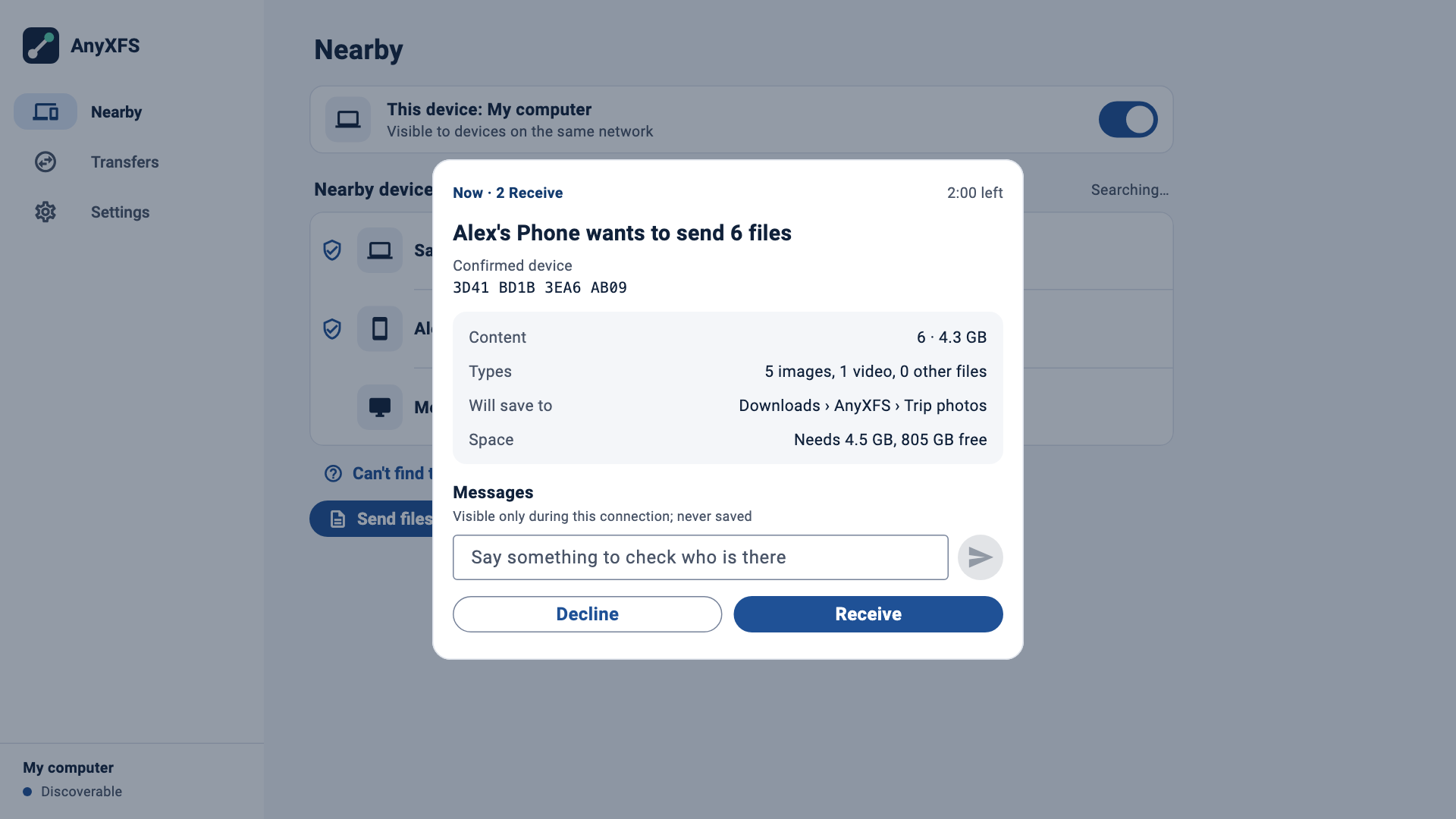
- Check, accept, transfer. Compare the pictures on both devices the first time you connect. The receiver reviews the files and accepts.
Not on the same network? The sender creates a pairing code, the other side enters it, you compare the pictures, and the transfer goes ahead as usual.
Know who is on the other end.
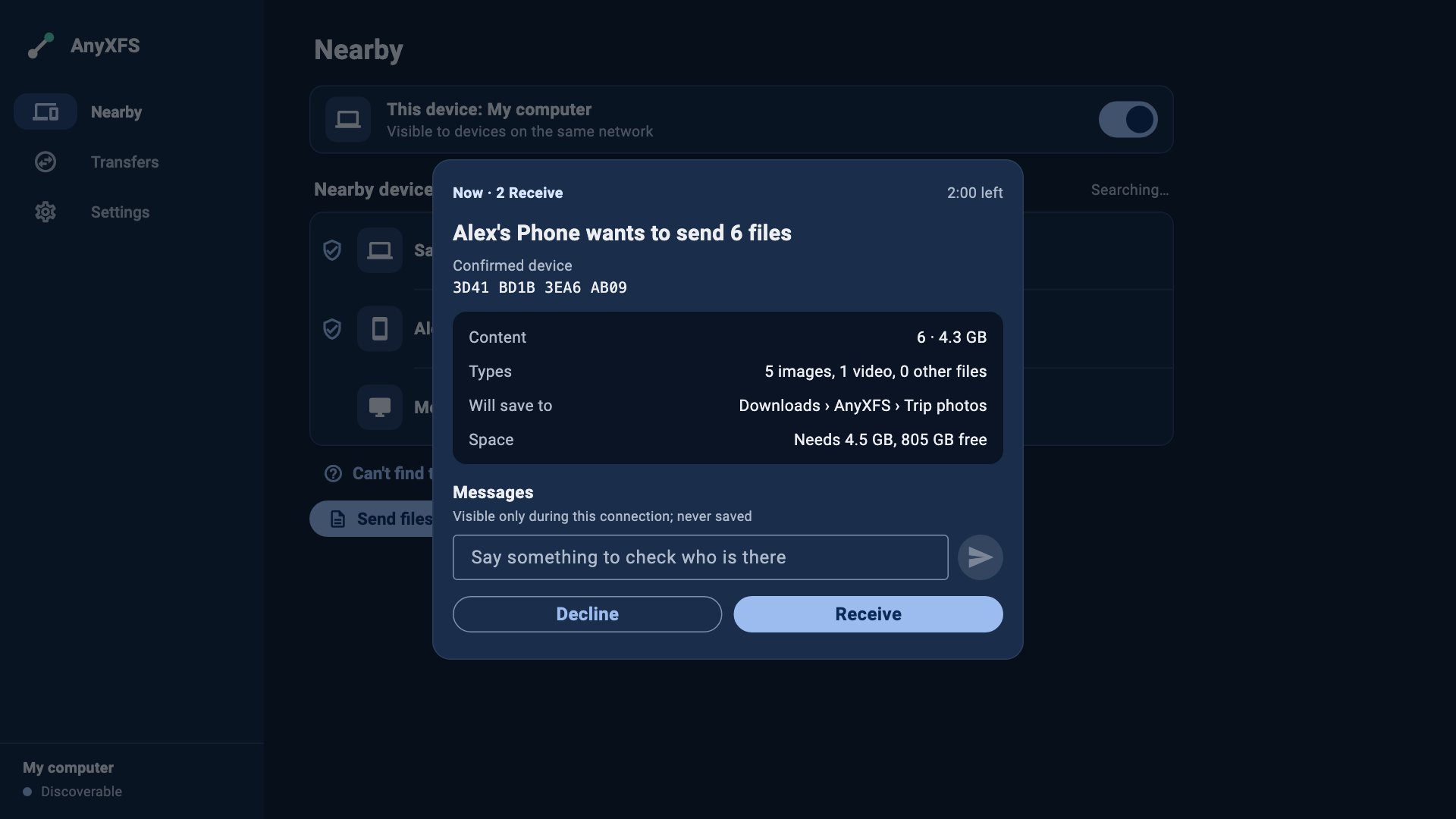
Before sharing a file, check the recipient. On the first connection, both devices display the same set of pictures. Incoming requests show who is sending and what is being sent.
Transfers are end-to-end encrypted. On the same Wi-Fi or local network, files go straight between your devices, through no server at all. On different networks, a pairing code connects them: directly when possible, and only when a direct connection fails, through a relay server. The relay forwards encrypted data and cannot see your files.
Make the next transfer simpler.
Check availability for Windows, macOS, Android and iOS and get your two devices ready.